VisionProof Inspection

Inspection System

VisionProof Inspection

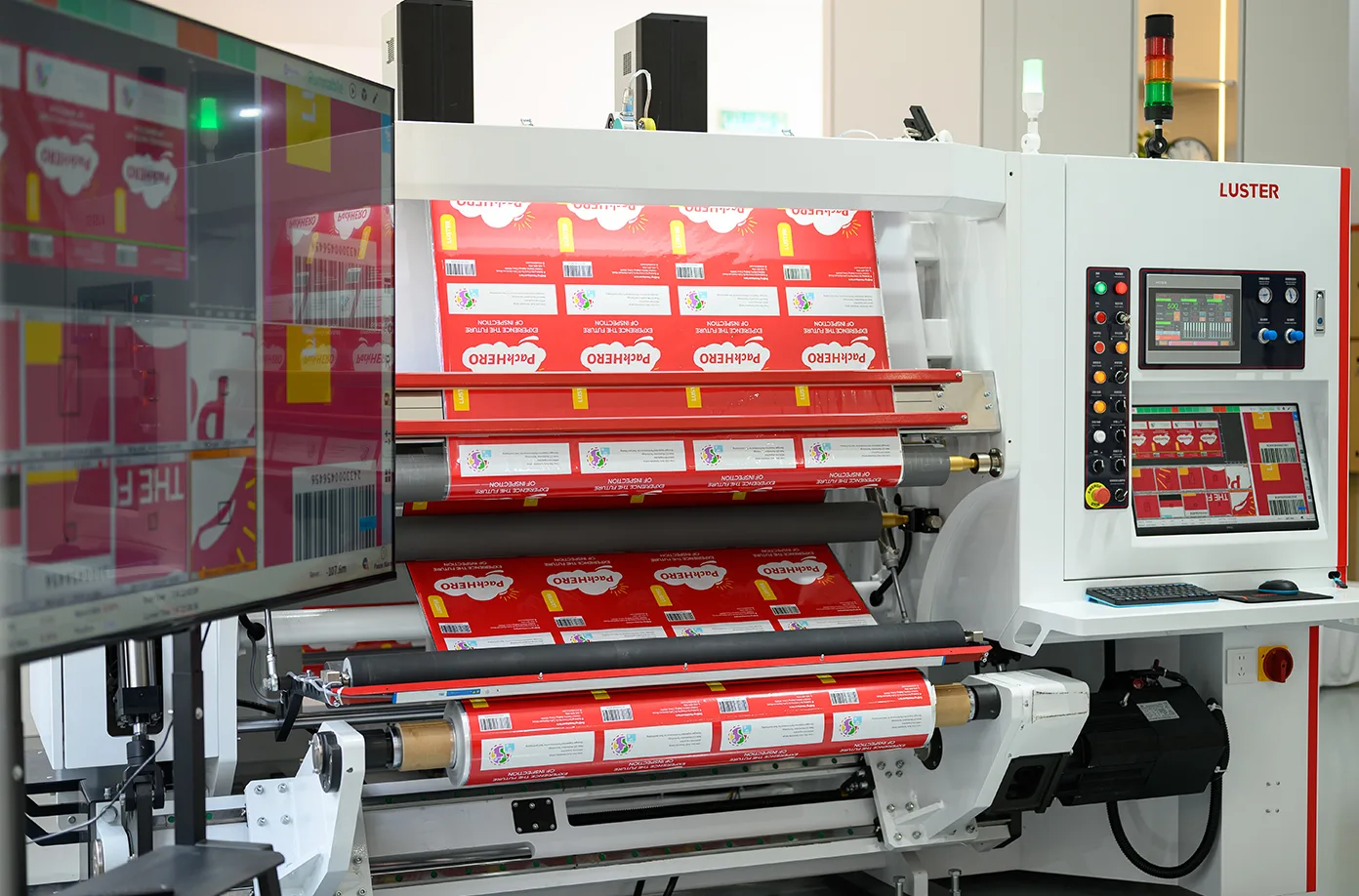
VisionProof Inspection helps packaging printers catch artwork and sample errors before they reach production.

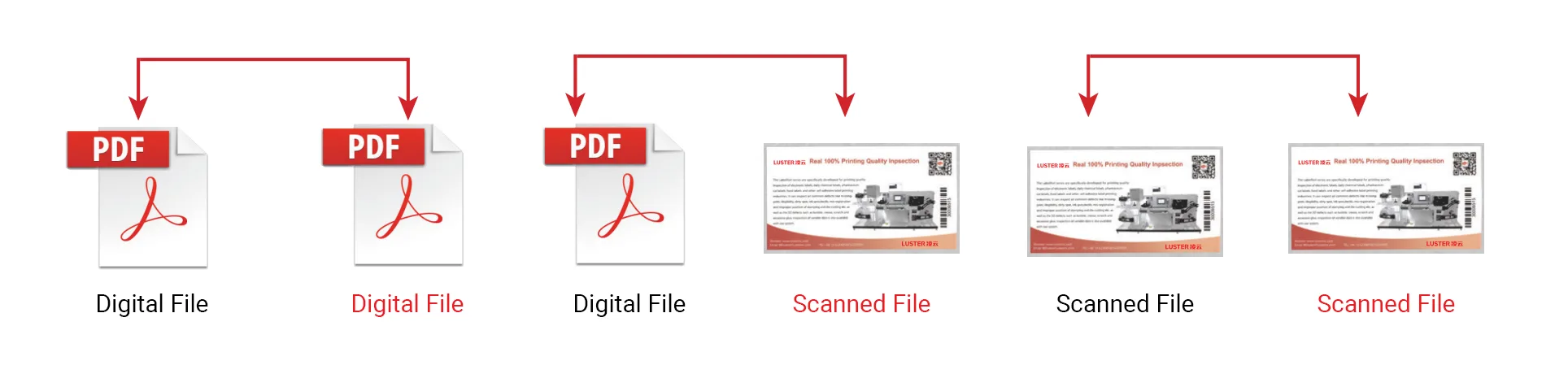
It compares digital files, scanned samples and approved references to find missing content, wrong text, misregistration, dirty spots, color variation and graphic differences at key proofing stages.

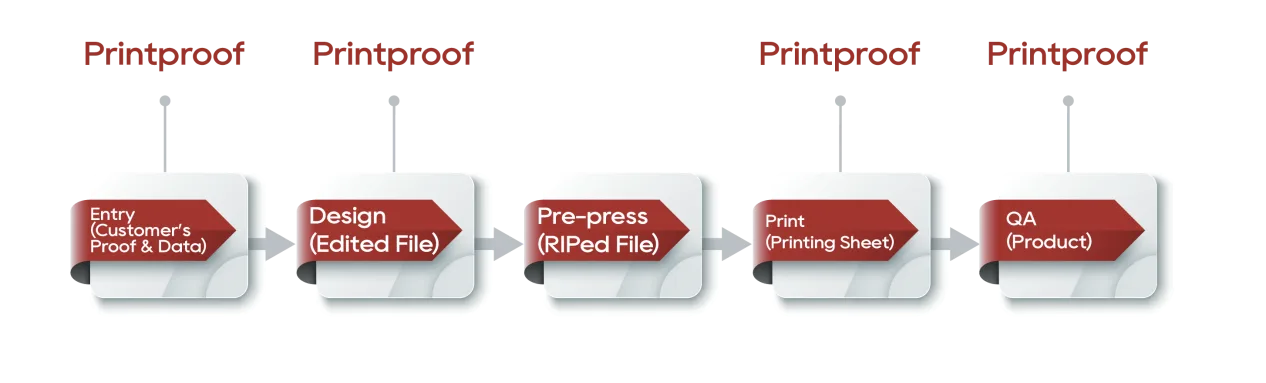
From file approval to first sample verification, PrintingProof speeds up proofreading, reduces manual checking risks and creates clear inspection reports for faster, more reliable job approval.

Why PrintingProof? Your Benefits at a Glance.

Key Features and Benefits

  • Simple Setup, No Parameter Required

    Streamlined operation with no repeated parameter adjustment — easy to set up, learn and use.

  • 100% Detection of Missing Text

    Precisely analyzes printed text and detects missing text in 6 pt characters with 100% accuracy.

  • AI-Powered Inspection with Fewer False Alarms

    AI adapts inspection sensitivity by area and distinguishes real defects from acceptable variation.

  • Connected Proofing Workflow

    Connects proofing results directly with the press for faster correction and quicker production response.

Scanner Options

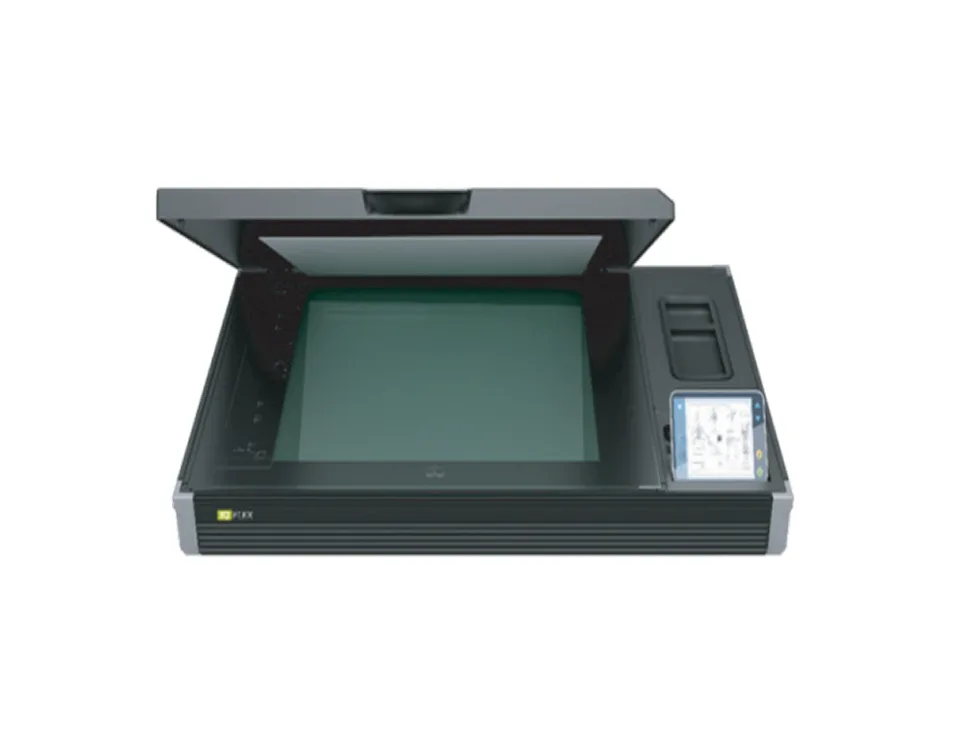
  • Scanner (1067mm)

    Scanner (1067mm)

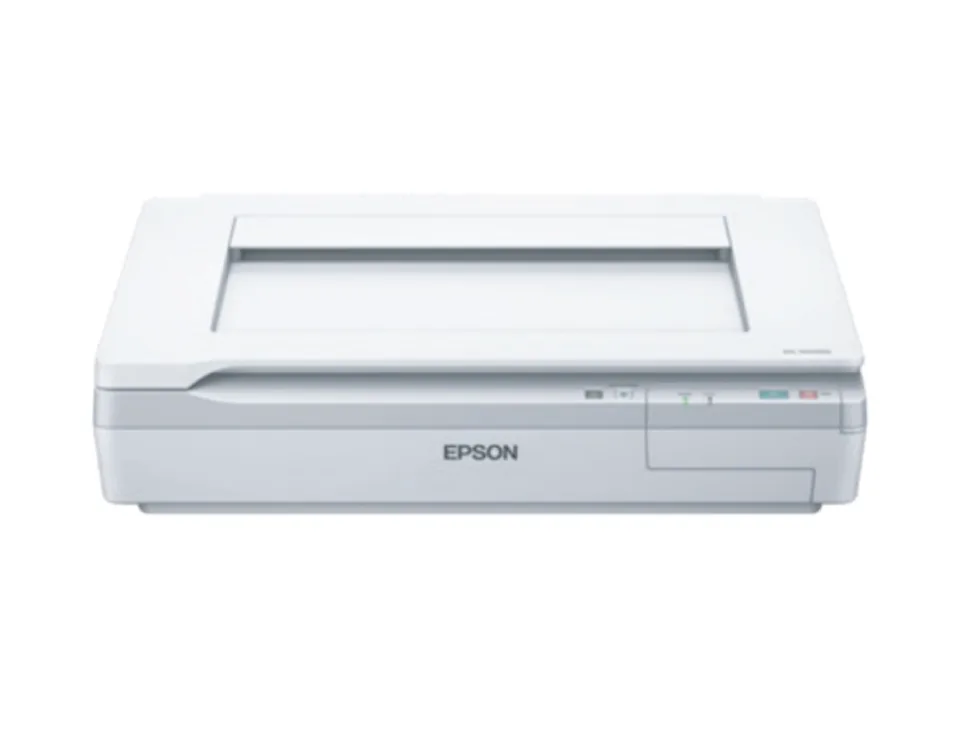
  • Scanner (A2 Sheet)

    Scanner (A2 Sheet)

  • Scanner (A3 Sheet)

    Scanner (A3 Sheet)

  • Scanner  (1050×1450mm)

    Scanner (1050×1450mm)

×

See who's upgrading their quality with PrintingProof.

FAQ

  • Q: Non-Contact Scanner — A0 Sheet, Web Width 1040 mm / 1450 mm

    A: 

    PrintingProof supports file-to-file, file-to-sample and sample-to-sample comparison. It can compare PDF/TIFF digital files, scanned printed samples and approved reference samples.

  • Q: What types of errors can it detect?

    A: 

    It helps identify missing content, wrong text, graphic differences, misregistration, dirty spots and color variation, making it suitable for artwork checking, sample approval and production spot checks.

  • Q: Can it replace manual proofreading?

    A: 

    PrintingProof does not remove the need for final human approval, but it greatly reduces repetitive manual checking by automatically highlighting difference areas for faster review.

  • Q: At which stage should PrintingProof be used?

    A: 

    It is ideal for pre-press file approval, plate/output verification, first sample approval and random inspection during production.

  • Q: How long does one inspection take?

    A: 

    Digital file proofing can be completed in about 2 minutes, while printed sample comparison can be completed in about 3 minutes, depending on file size, sample format and inspection settings.

You might also interested in

Get in touch with an expert

* We respect your privacy. When you submit your contact information, we agree to only contact you in accordance with our Privacy Policy.